














WOW CUT VIDEO FOR iPHONEShoot it.Add Wow.Share it.
Your story is already in the frame. Add captions, find your look and turn it into a video worth sharing. Right on your iPhone.
iOS 17 or later • AI features require internetSame footage. A whole new feeling.
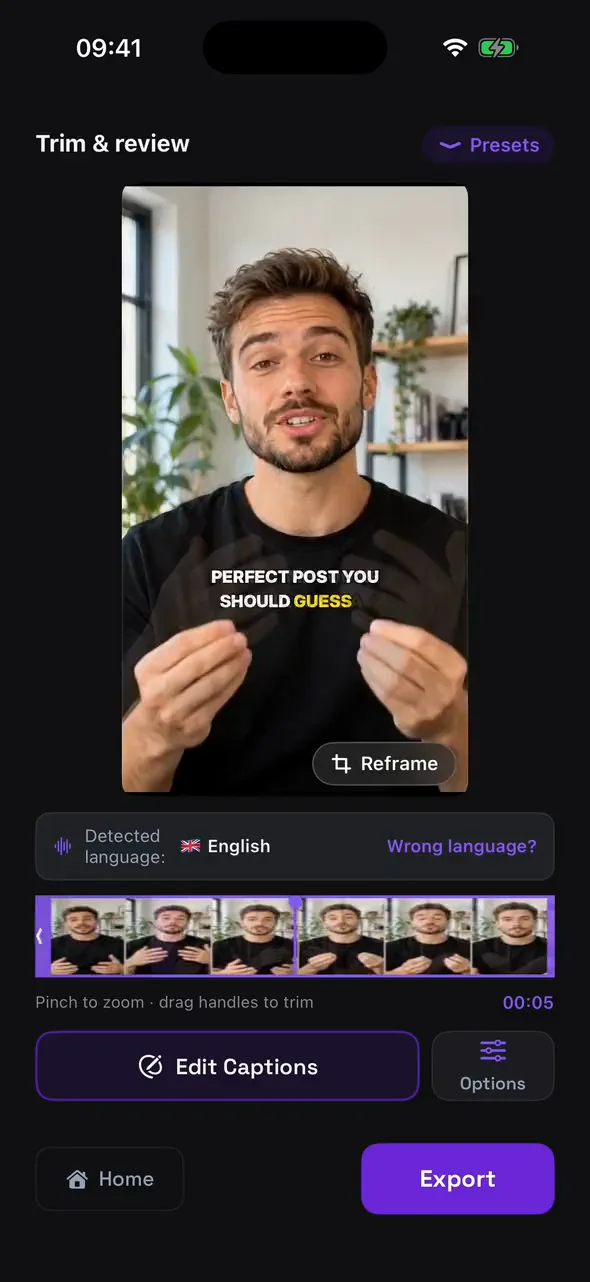
Compare the original with captions. Find the look that sounds like you.
What will you make today?
Find a highlight, give your words a look or build a story from several videos. Pick a mode — the setup guides you from there.
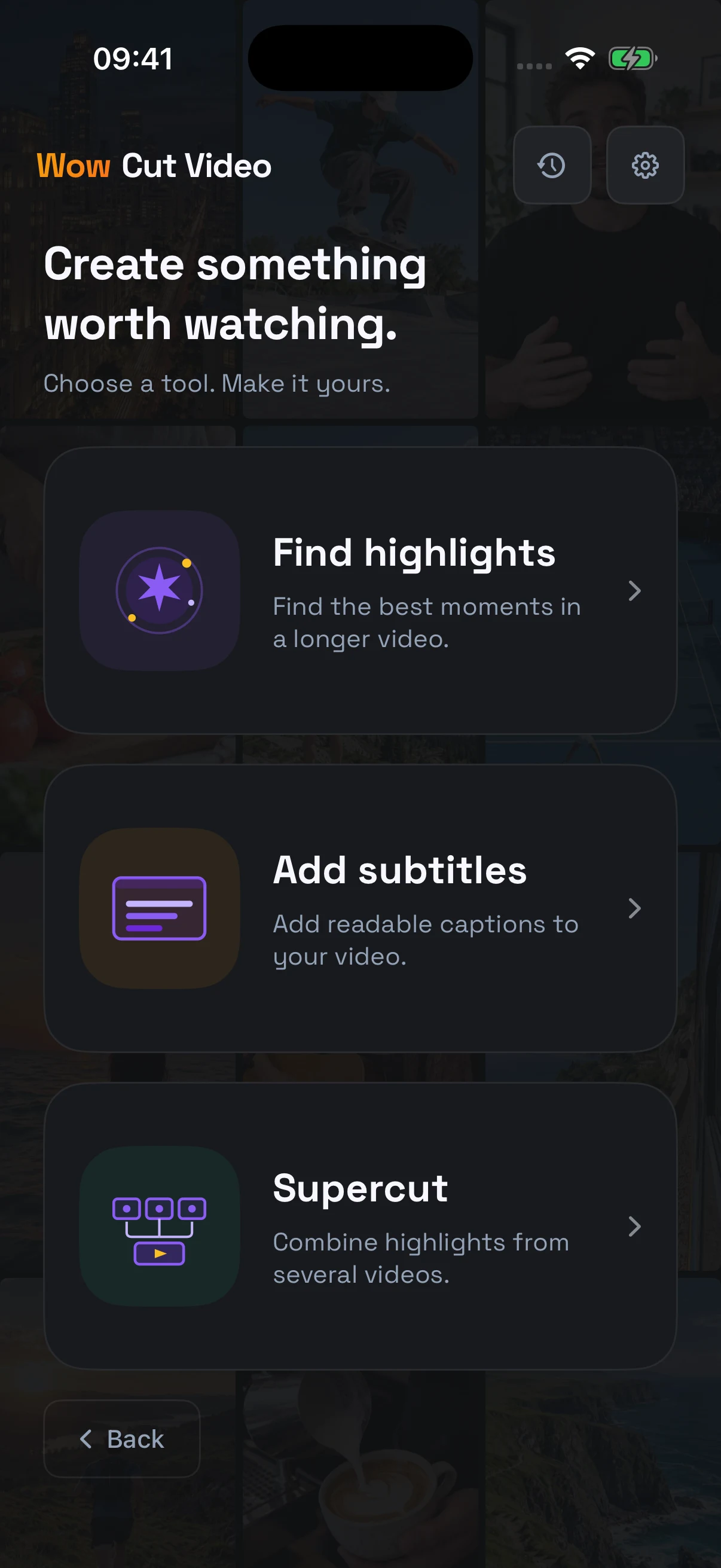
Find Wow moments
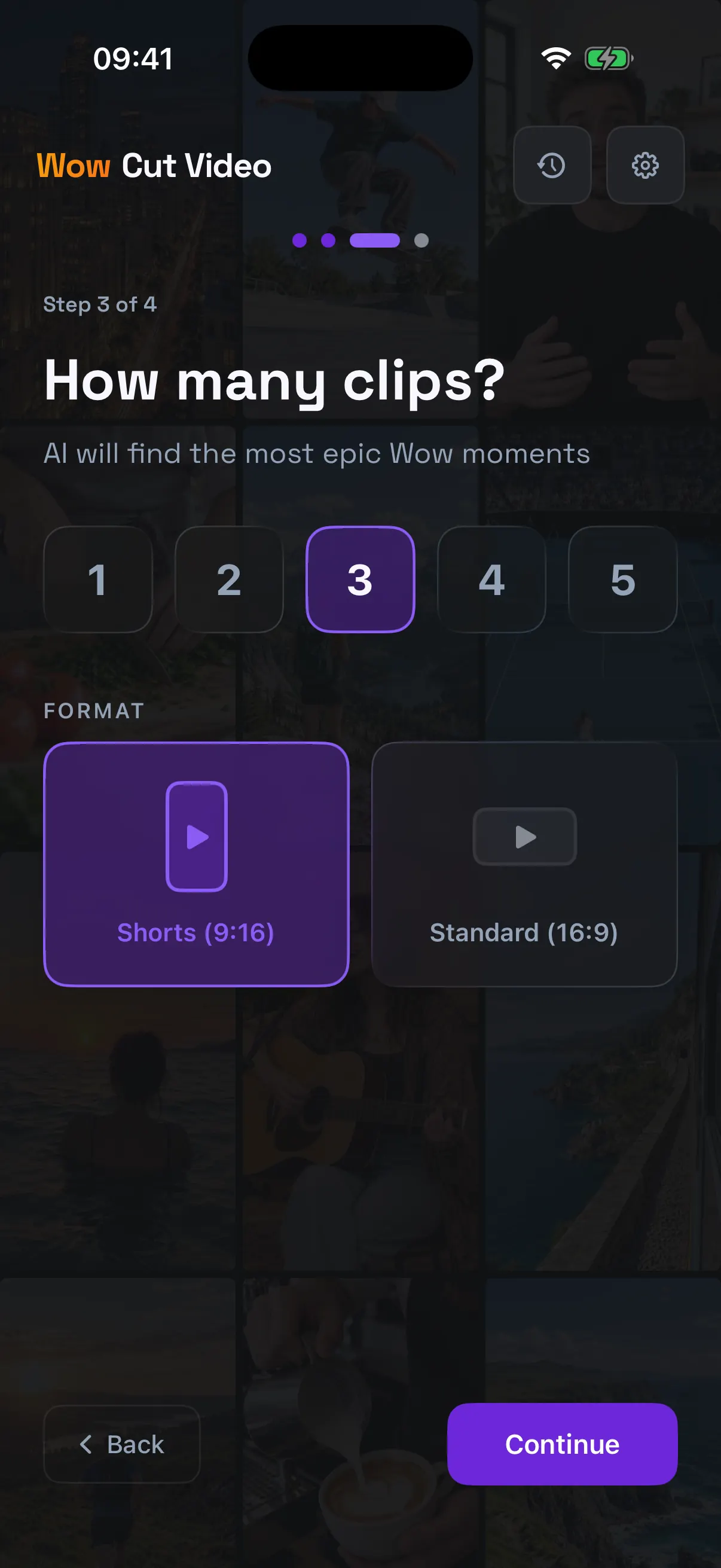
Long video → short clips. AI suggests the highlights. You decide what makes the cut.
Editing and export happen on your iPhone; transcription and AI analysis use online services.
Make every moment yours.
The app picks the best moment from every video and puts them in order. Everything sits on one timeline: scrub it, hold a block to trim that moment, and watch the result right away.
Choose a frame to watch that step in the editor.Stock footage, right where you mention it.
AI reads what is said in the video and suggests cutaways for specific words. Add them one by one or all at once, choose how each one sits — full frame, corner or band — and see how they land before you export. Footage comes from Pexels and is only downloaded for what you keep.
Tap a step to jump to it in the recording.Frequently asked questions
What is Wow Cut Video for iPhone?
It is an AI video editor for iPhone that adds captions timed word by word, finds the best moments in a long video and cuts them into short clips, and builds a supercut from several videos. The result is ready for Reels, YouTube Shorts and TikTok.
How do I add automatic captions to a video on iPhone?
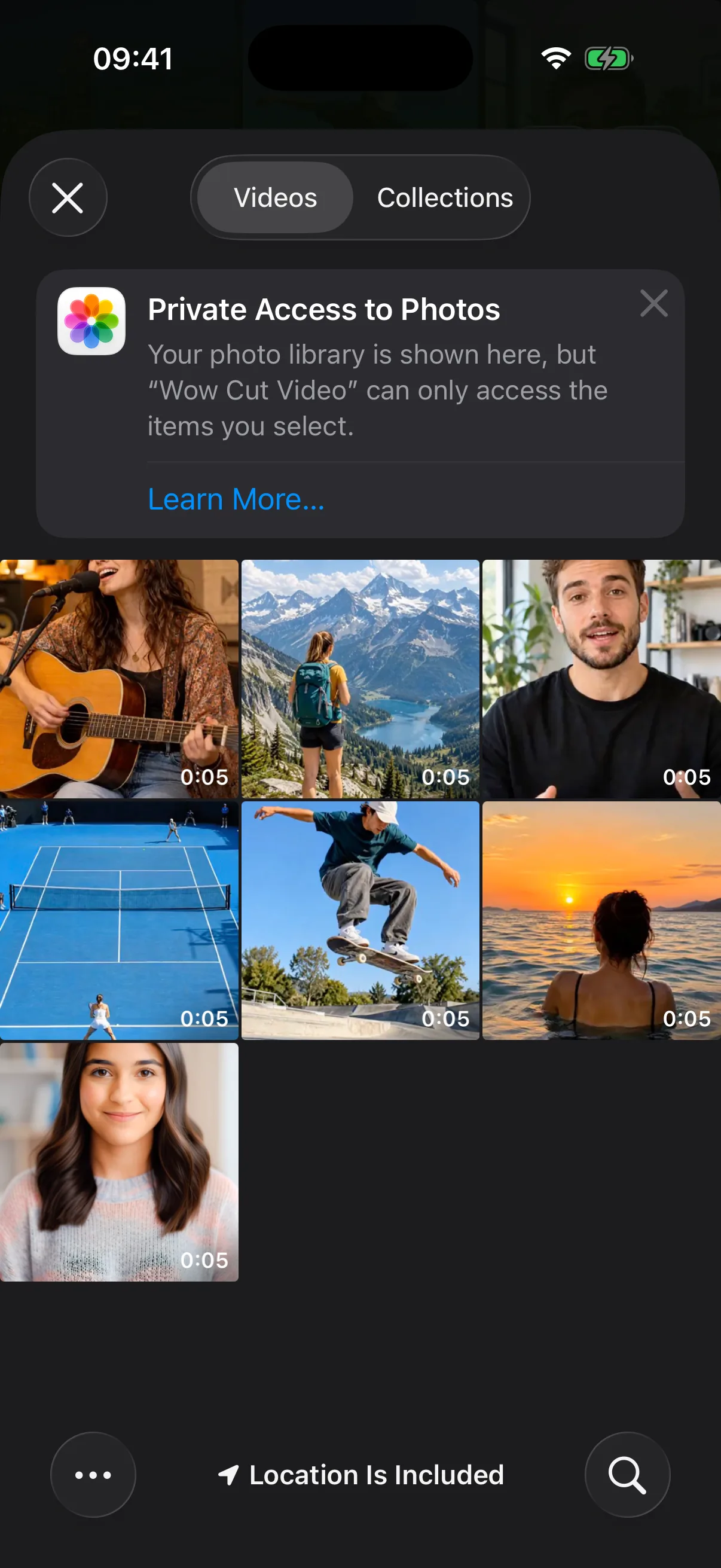
Choose Add subtitles and pick a video from Photos. The app detects the language, recognises the speech and times a caption to every word. Pick a style, fix any word if you need to, then save the video to Photos or share it.
Can I turn a horizontal video into a vertical one?
Yes. Choose the 9:16 format and drag the frame onto what matters — the app crops the video to vertical for Reels, Shorts and TikTok.
Is Wow Cut Video free?
There is a free plan to try it: videos up to 5 minutes and up to 5 videos in a supercut. Pro unlocks videos up to 30 minutes, up to 20 videos in a supercut and landscape 16:9 export.
Which languages do the captions support?
The spoken language is detected automatically, so captions come out in the language spoken on screen — English, Spanish, Portuguese, Ukrainian and many more. You can also translate them into another language.
Does it need internet, and where is my video processed?
Editing and export happen on your iPhone. Speech recognition and AI analysis run on online services, so they need an internet connection; the app asks for your consent before the first such run.
What are the requirements, and when is it on the App Store?
You need an iPhone running iOS 17 or later. The app is coming soon to the App Store; in the meantime the same features are available in the web app and the Mac app.

Your next Wow is in your camera roll.
Give it shape. Make it yours. Share it.
Coming soon to theApp Store